
Send product photos, price lists and menus in Instagram DMs automatically
Add a photo to any item you sell: a product, a menu, a price list, a floor plan. When a customer asks for it, Tawlki sends the picture in the same chat, with the details and the price.
Free to start. No card. See the free plan
- do you have the adidas samba in size 42?
- Yes, the Samba OG in black and white is in stock in size 42. Here it's.
- Samba OG, black and white: Size 42 in stock, $95
- nice. any tee that matches?
- The Essentials tee in white goes well with it. Sizes S to XL.
- Essentials tee, white: S to XL, $28
Customers want to see it before they buy, and you're digging through your camera roll.
Do you have it in black, what does the room look like, can I see the menu. Every one of those is a photo you have already taken. Tawlki sends it the moment they ask.
What it does
A picture on every item
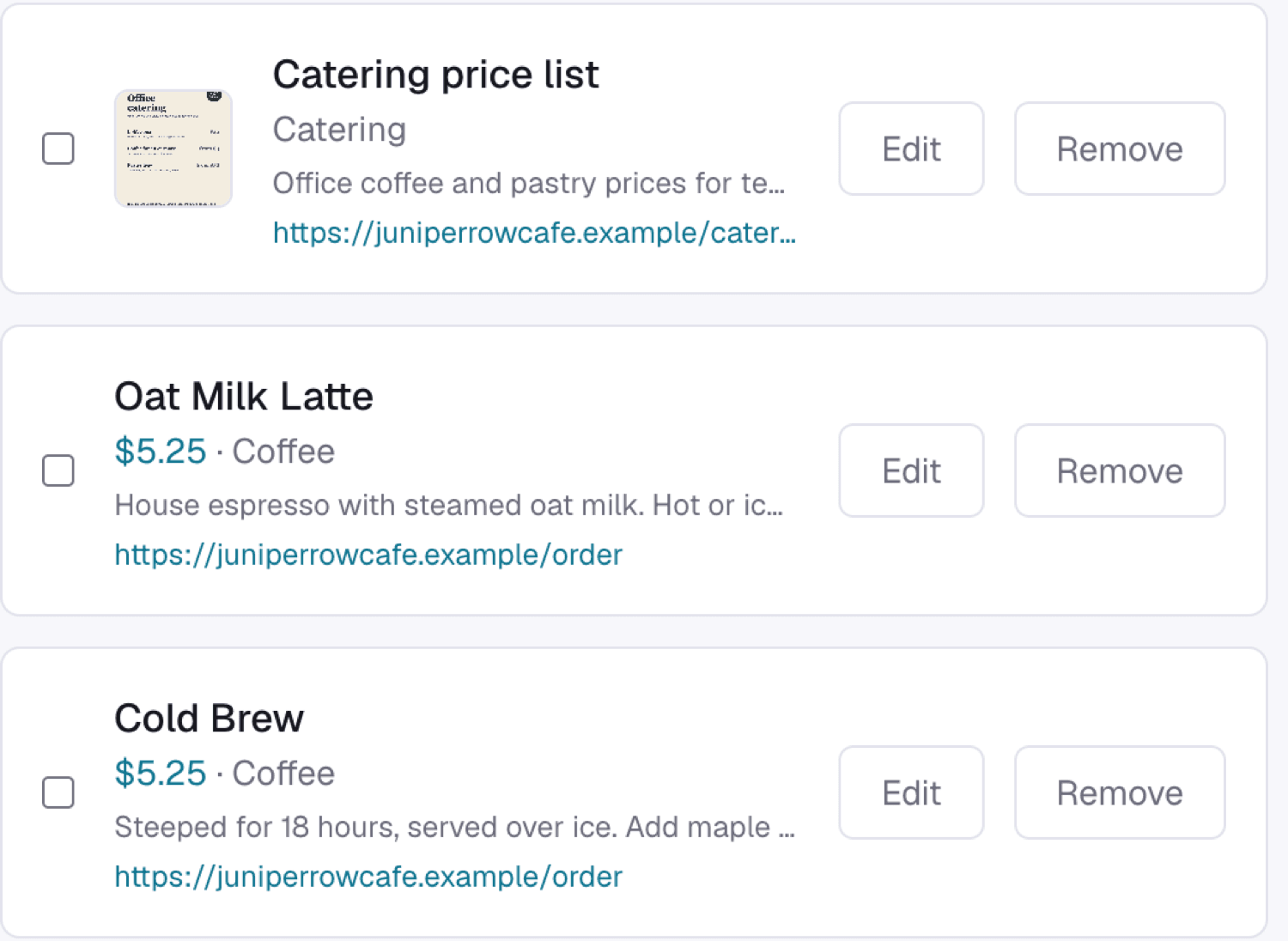
Attach a photo, a price list or a size chart to the item it belongs to.
Sent when it's asked for
Customers get the picture when they ask for that item, not on every message.
Details and price included
The picture arrives with a short reply, so customers are never left with just a file.
Works for any business
Shoes, floor plans, haircut prices, menus: anything you can photograph.
What businesses send
Product photos
Shoppers see the exact item, with its price.
Menus and price lists
The full menu or price list arrives as a picture.
Property photos
Agents send the listing photo with the details.
Size charts
The chart answers the question before the customer asks twice.
How to set it up
- Step 1
Add an item to your catalog.
- Step 2
Upload its picture.
- Step 3
Customers ask and the picture arrives.
Good to know
- Each item carries one picture.
- A picture counts as one reply toward your monthly allowance.
- You need an Instagram Business or Creator account. Instagram only allows automation on those.
Common questions
Can an Instagram bot send photos?
Yes. Add a picture to an item and Tawlki sends it when a customer asks for that item.
Can it send a price list or menu?
Yes. Save the price list or menu as a picture and Tawlki sends it on request.
What kinds of pictures work?
Any image you can upload, such as a product photo, price list, size chart or floor plan.
Can it send more than one picture?
Each item carries one picture. Customers who ask about several items get each item's picture.
Does it cost anything?
It's free to start, with no card required.