
Answer patients' practical questions and book appointments from Instagram
Patients message to ask what a treatment costs, whether you take walk ins and when you have a free slot. Tawlki answers the practical questions at any hour, books the appointment, and hands the chat to your team whenever someone needs a person.
Free to start. No card. See the free plan
- how much is teeth whitening?
- Teeth whitening is $180 and takes about an hour. Would you like me to find you a time?
- do you take walk ins?
- Appointments only, Monday to Saturday, 9 am to 6 pm. I can book you in now.
- can I speak to the dentist directly?
- Of course. I have let the team know and they will reply here.
Your front desk shouldn't spend the day answering the same five questions.
Prices, opening hours, walk ins, how long a visit takes. Patients ask these on Instagram at night and on weekends, when the desk is empty. Tawlki answers them, so your team can focus on the people in front of them.
What Tawlki does for clinics and dental practices
Services and prices, answered
Patients get the price and the details you wrote, not a guess.
Appointments booked
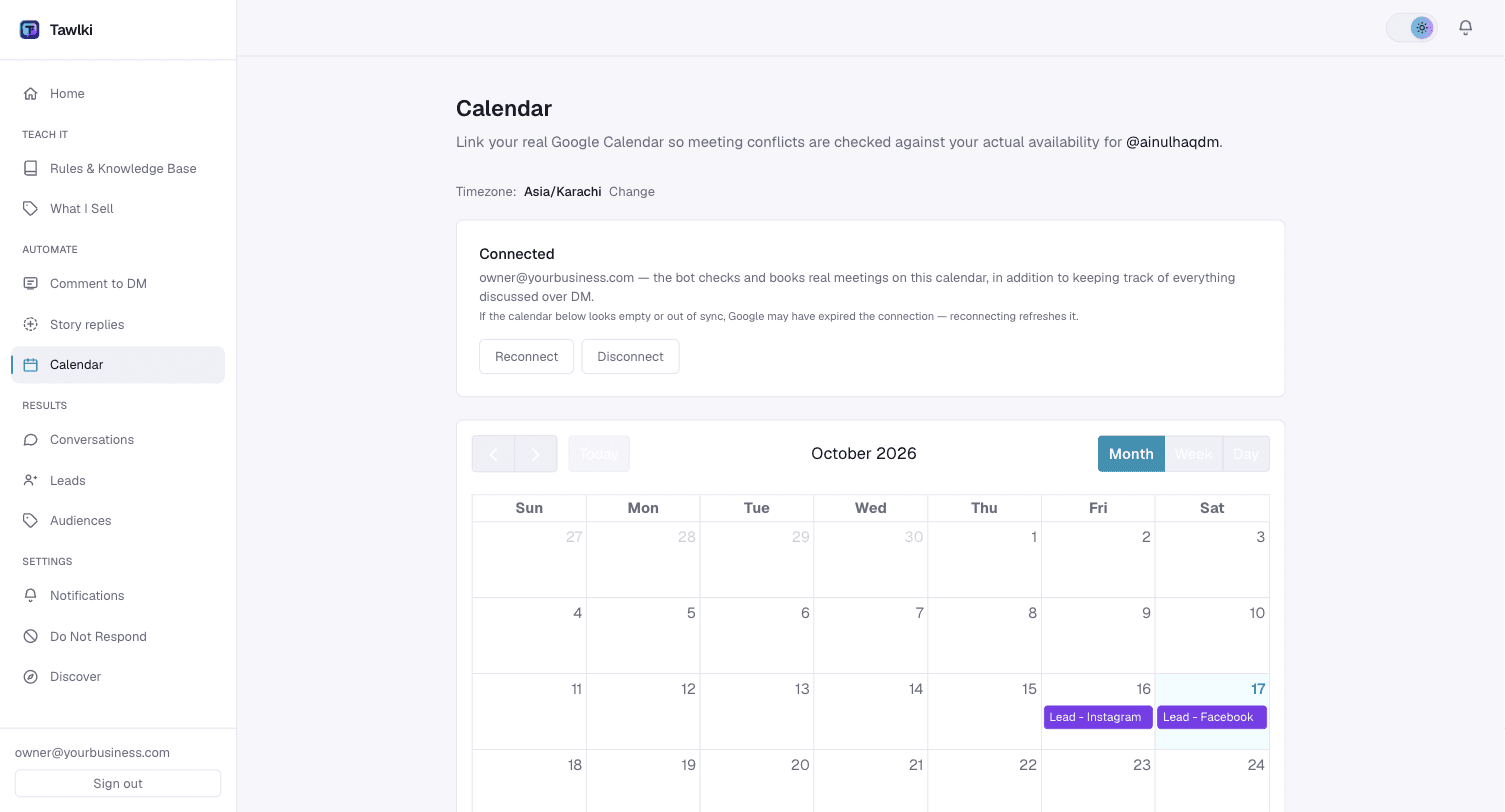
Patients pick a free time and it lands in your Google Calendar.
You decide what it covers
Tawlki only talks about what you give it. Everything else goes to your team.
A person when it matters
When a patient asks for the dentist or a person, Tawlki tells your team and the chat is yours.
New patients saved
Every patient who shares a phone number or email is saved to your leads list.
Out of hours covered
Evening and weekend messages get an answer instead of waiting until Monday.
Patients ask things like
Treatment prices
The price and duration you set, every time.
Walk ins and hours
Your opening hours and booking policy, at any hour.
Booking a visit
Free times offered and the appointment confirmed in the chat.
Speaking to someone
Your team is notified and takes over the chat.
A Monday in your DMs
- 7:45 am
"Are you open Saturday?" Answered before the front desk has switched the lights on.
- 1:00 pm
"How much is a scale and polish?" The price and duration you set. No one has to put the phone down to look it up.
- 6:00 pm
"Can I book a checkup next week?" The patient picks a free slot and it lands in your Google Calendar.
- 10:30 pm
"My tooth really hurts, what can I take?" Tawlki doesn't give medical advice. It gives the emergency contact you wrote down and your team sees the chat.
- Next morning
Your receptionist opens the leads list. Three new phone numbers, each with where the patient came from.
What to write down before you switch it on
A clinic bot is only as safe as what you give it. Keep to practical facts and let the dentist or doctor handle everything clinical.
- Services with starting prices and how long each visit takes
- Opening hours, and what to do outside them
- Your emergency contact and when to use it
- What a first visit involves and what to bring
- Insurance: which you accept, or a line asking patients to call
- Address, parking and accessibility
- Cancellation and late policy
- A rule telling patients not to send health details in DMs and to phone instead
What to keep for yourself
- Symptoms, treatment advice and anything clinical
- Questions about one patient's records, results or insurance claim
- Complaints and anything emotional
- Anyone who asks to speak to the doctor
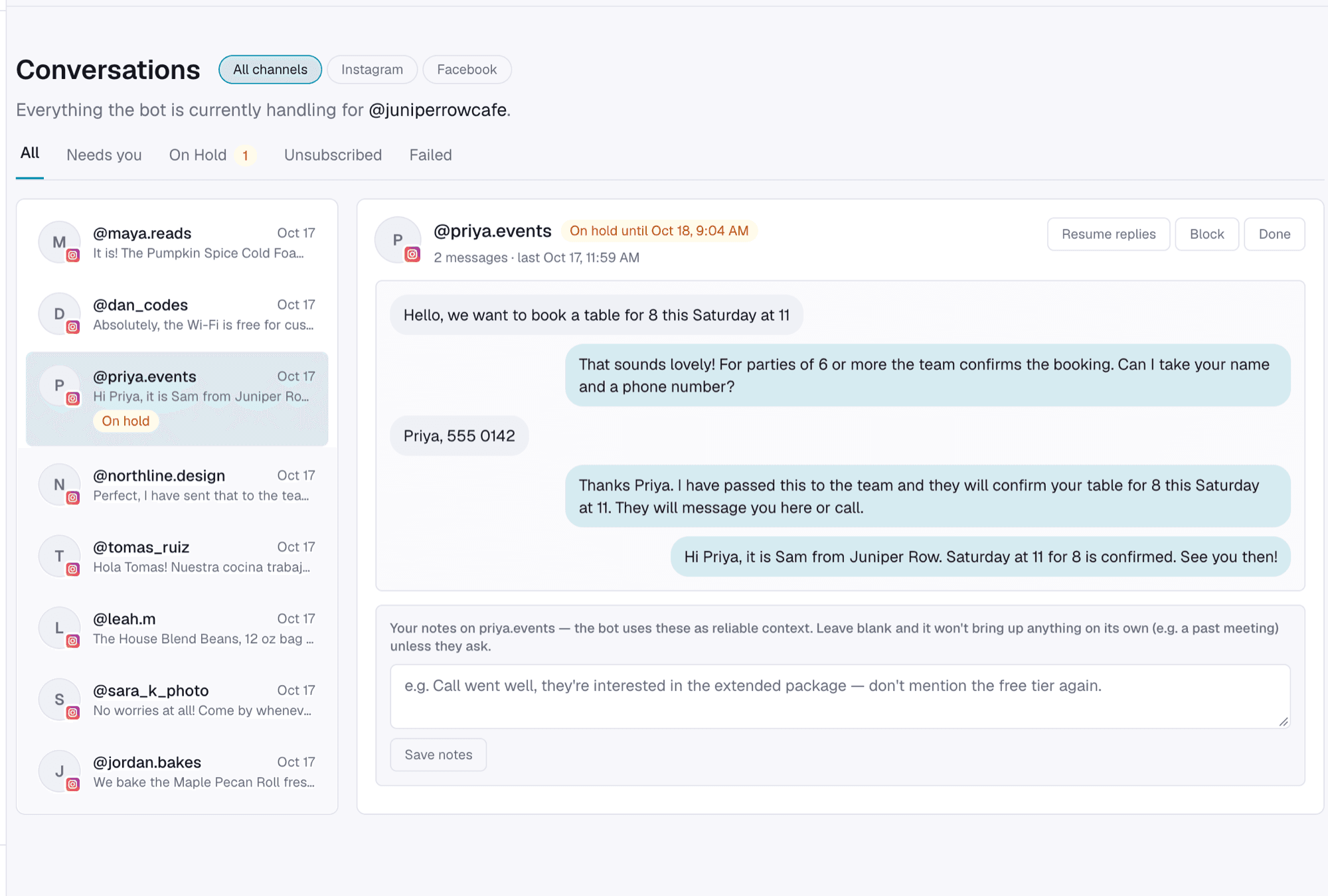
How to set it up
- Step 1
Write your services, prices and hours.
- Step 2
Link your Google Calendar.
- Step 3
Try it, then switch it on.
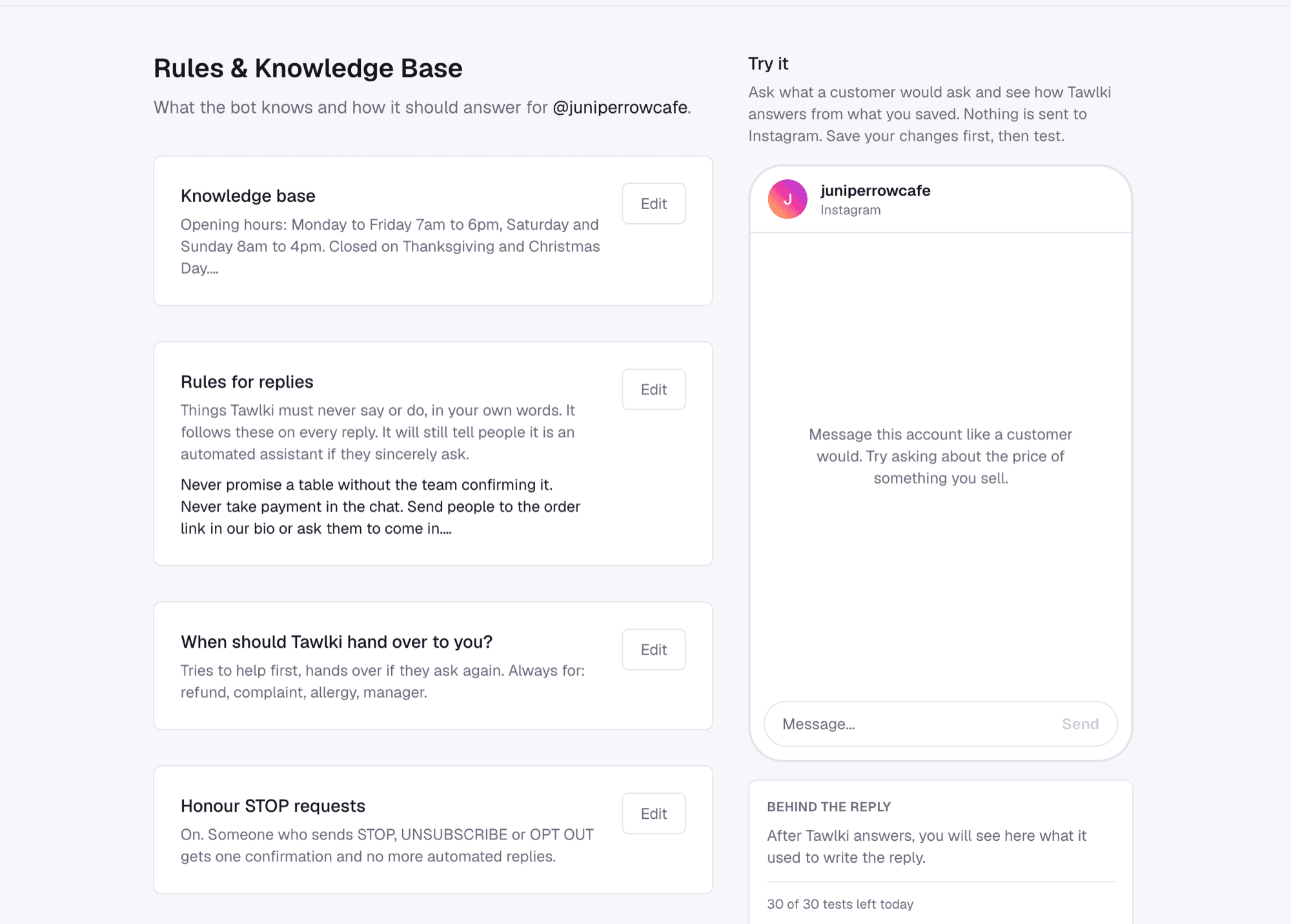
Good to know
- You need an Instagram Business or Creator account. Instagram only allows automation on those.
- Tawlki isn't a medical adviser. It answers only with the information you give it.
- Add your emergency contact to your rules so patients know where to go.
- Appointments are 30 minutes long.
Common questions
Can a clinic use an Instagram chatbot?
Yes. Tawlki handles routine questions such as prices, hours and booking, and hands anything else to your team.
Will it give medical advice?
No. It answers only with the information you give it, and you decide what it covers.
Can patients book appointments in DMs?
Yes. They pick a free time and the appointment is added to your Google Calendar.
What happens if a patient wants to speak to someone?
Tawlki lets your team know and the chat is handed to you.
Is it safe to discuss patient information in Instagram DMs?
We'd keep DMs to practical questions such as prices, hours and booking. Ask patients to phone about anything to do with their health, and check your local privacy rules with your compliance adviser.
Can it quote treatment prices?
Yes, as the starting prices you wrote. Tell it in your rules that the final price is confirmed at the visit.
What does a patient see when they ask for a person?
They're told your team will follow up, your team is notified, and the chat is yours as soon as you reply.
Does it cost anything?
It's free to start: 300 chat replies and 300 comment-to-DM messages a month, with every feature included and no card required.