

Answer every menu, hours and delivery question on Instagram while you cook
Your followers ask the same things all day: are you open, do you deliver, can I see the menu. Tawlki answers every one in seconds, sends your menu, and leaves your hands free for the kitchen.
Free to start. No card. See the free plan
- are you open sunday and do you deliver?
- Yes, we're open 12 pm to 11 pm on Sundays. We deliver within 5 km until 10:30 pm, and delivery is free over $25.
- can I see the menu?
- Menu
- Here is our menu. Would you like to book a table?
The busiest hours are when you can't touch your phone.
Lunch rush, dinner service, deliveries. That's exactly when people message to ask if you're open or if you have a table. Tawlki replies for you, so the customer who asked at 7 pm isn't eating somewhere else by 7:10.
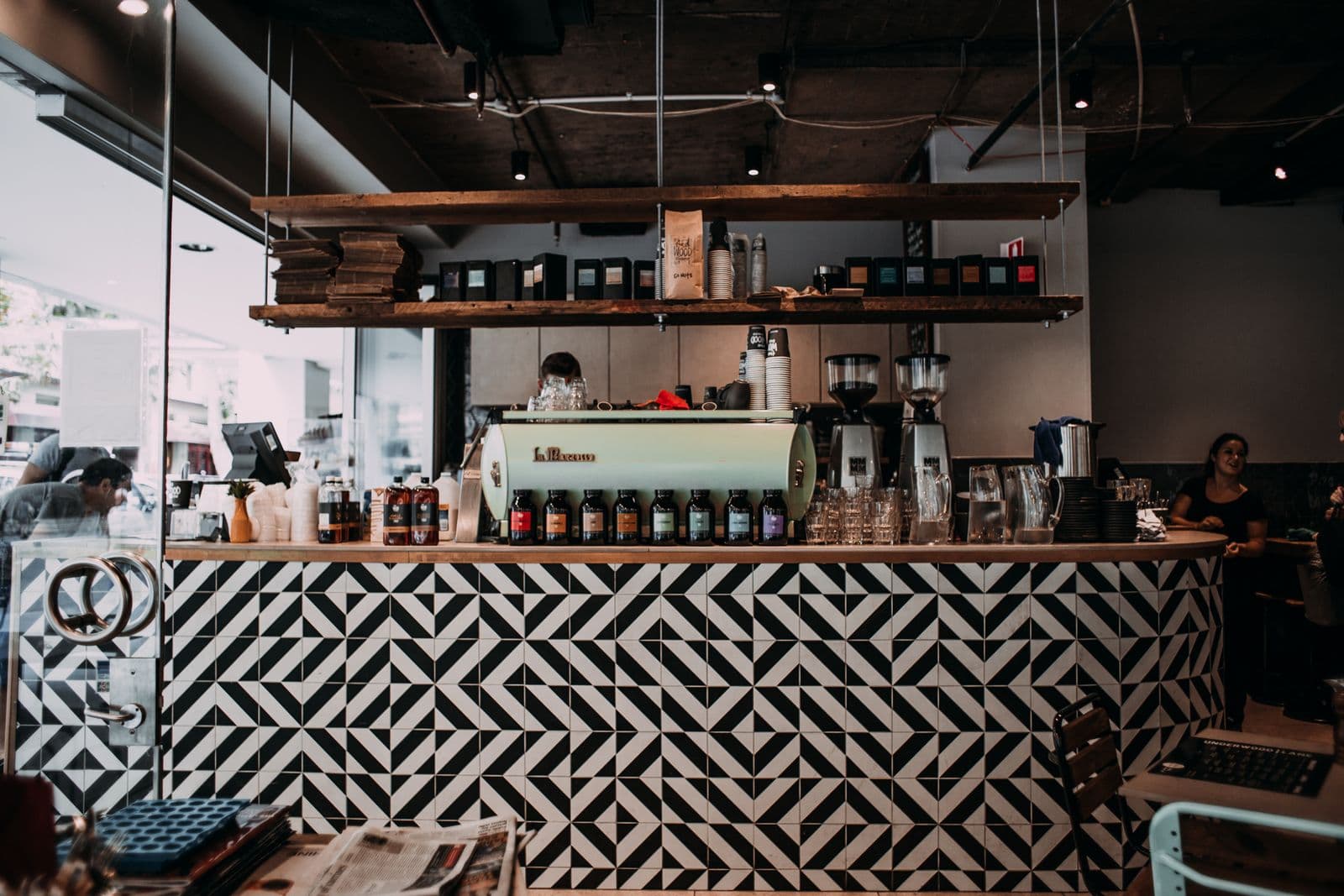
What Tawlki does for restaurants and cafes
The menu, on request
Customers ask to see the menu and it arrives in the chat.
Hours, delivery and location
Opening times, delivery areas and fees are answered the same way every time.
Specials that reach people
Post a special, ask people to comment SPECIAL, and the details land in their DMs.
Table requests
Customers pick a free time and it lands in your Google Calendar.
Catering and event enquiries
Save the phone number of everyone who asks about catering, so you can call the serious ones.
Your team stays in charge
When a guest needs a person, Tawlki hands the chat to your team and steps aside as soon as you reply.
Questions your customers already ask
Opening hours
Answered instantly, including the special hours you set for holidays.
Delivery
Delivery areas, fees and cut-off times, answered without a phone call.
The menu
The menu arrives as a picture, with prices, in the same chat.
Catering
Catering questions answered, and a phone number saved so you can follow up.
A Tuesday in your DMs
- 11:40 am
A regular asks if you're open today. They get your hours, including the holiday ones you set, before they leave the house.
- 2:15 pm
"Do you deliver to the north side?" The answer comes from the delivery areas and fee you wrote down, and the person decides in 20 seconds instead of waiting for a call back.
- 6:50 pm
Dinner rush. Someone asks for the menu and the picture arrives while you're plating.
- 9:30 pm
"Can you cater 40 people on Saturday?" Their phone number goes into your leads list, and you call them in the morning with a clear head.
- 11:55 pm
"Is the chicken dish nut free?" Tawlki won't guess an allergy answer. If you wrote the allergens down it uses them. If you didn't, the guest is asked to clarify and the question is waiting for you.
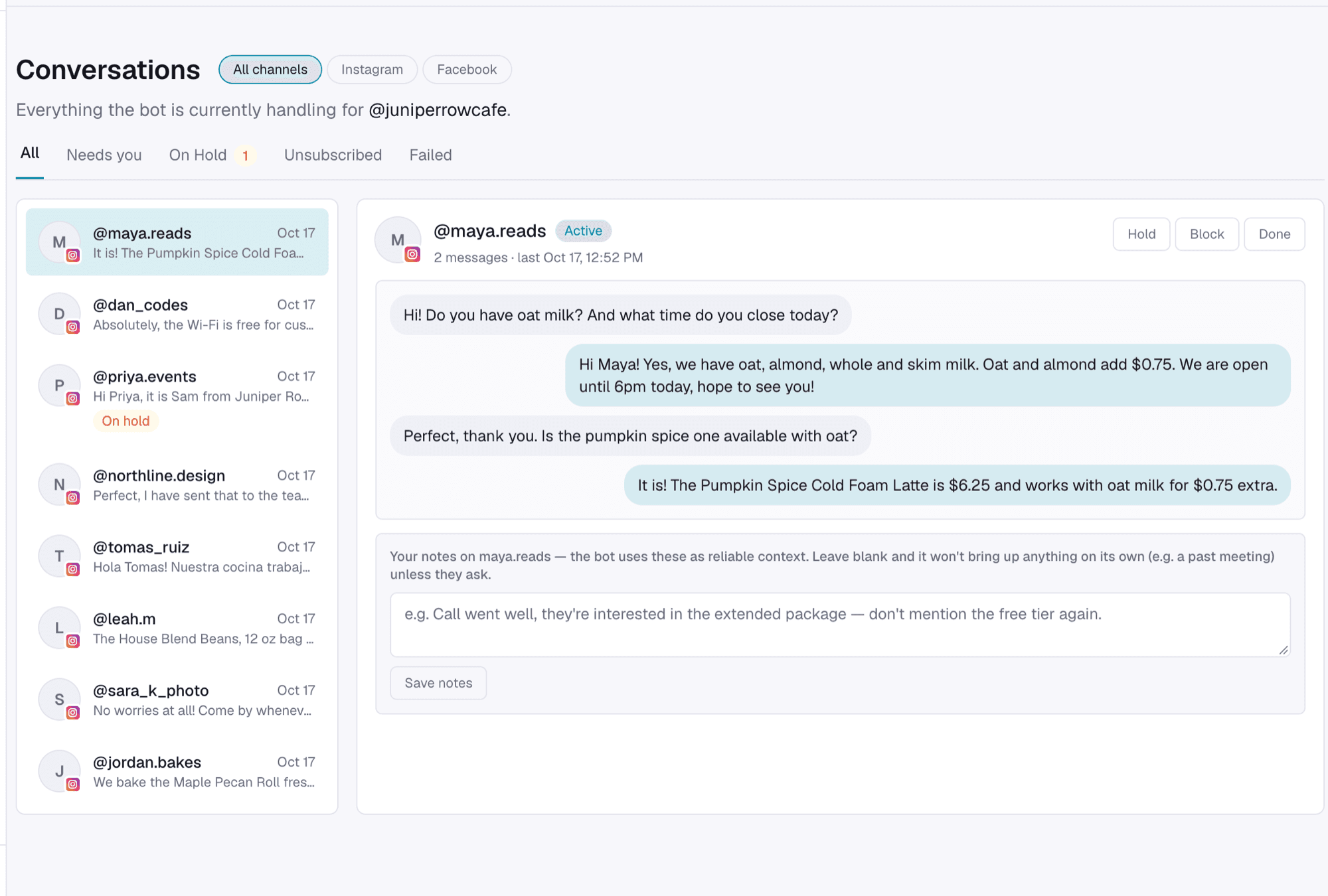
What to write down before you switch it on
Most restaurant DMs come down to the same handful of facts. Put them in once and Tawlki answers from them every time.
- Opening hours for every day, plus holiday and Ramadan or seasonal changes
- Delivery areas, the fee for each, and the cut-off time for orders
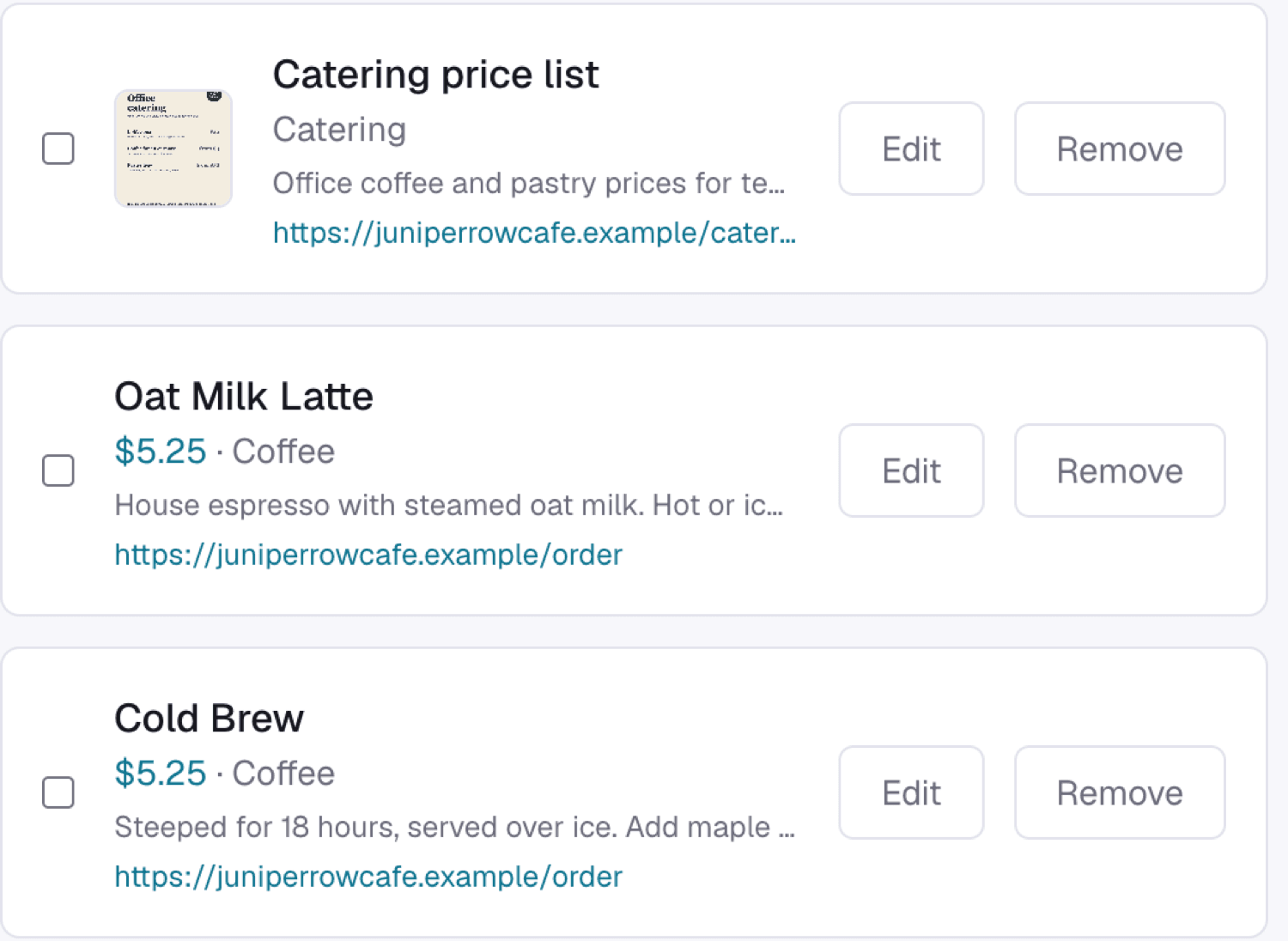
- Every menu item with a price, and a picture of the menu
- Allergen notes per dish, or one line saying allergy questions are answered by a person
- Whether you take walk ins or bookings, and how many people you can seat
- Address, parking and the nearest landmark
- Catering: minimum order, lead time and a price range
- Payment methods you accept, and how to order (phone, website, in person)
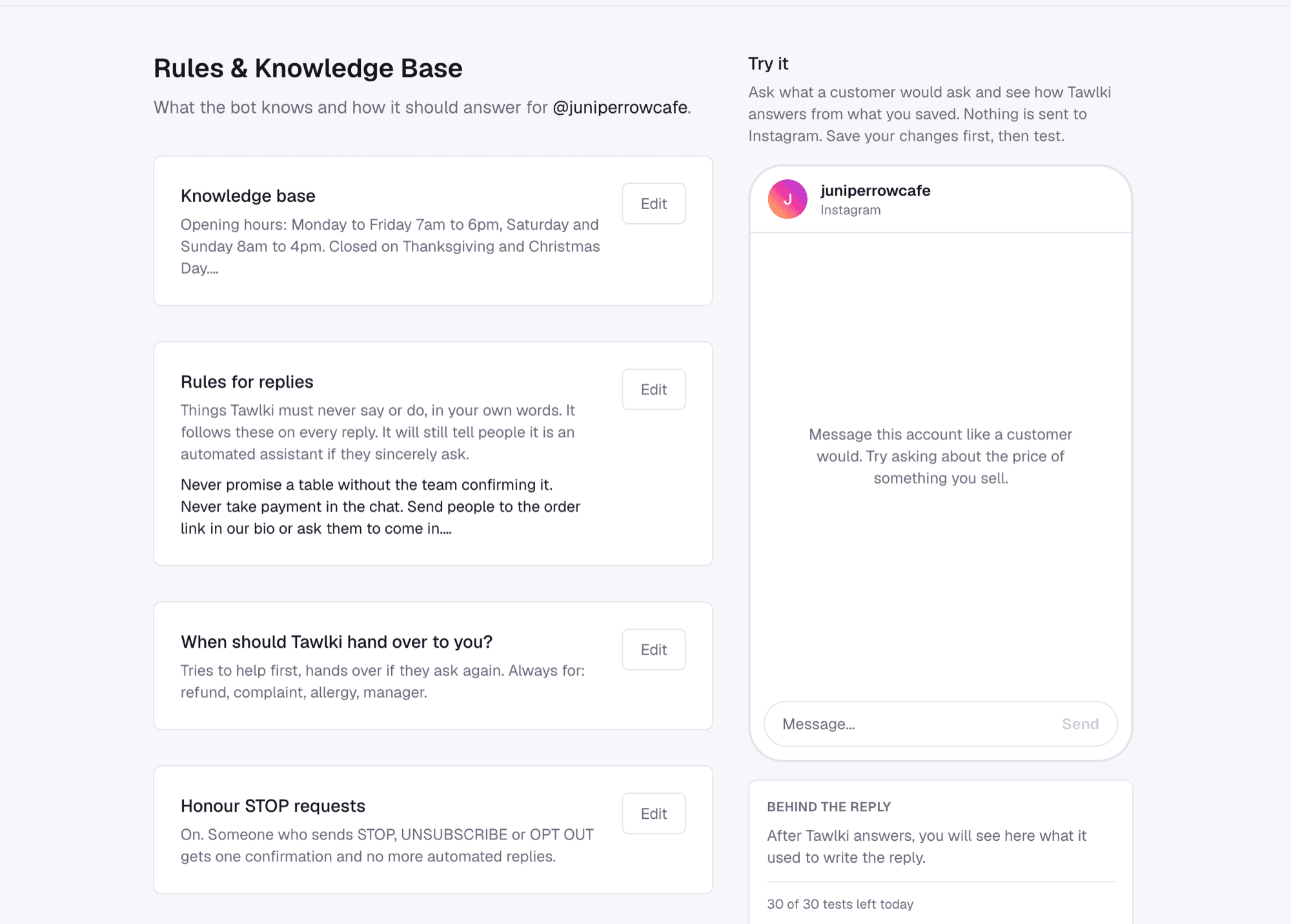
What to keep for yourself
- Allergy and dietary safety questions you haven't written an answer for
- Complaints about an order, and anything about a refund
- Pricing for large events and custom menus
- Anyone who asks for the owner by name
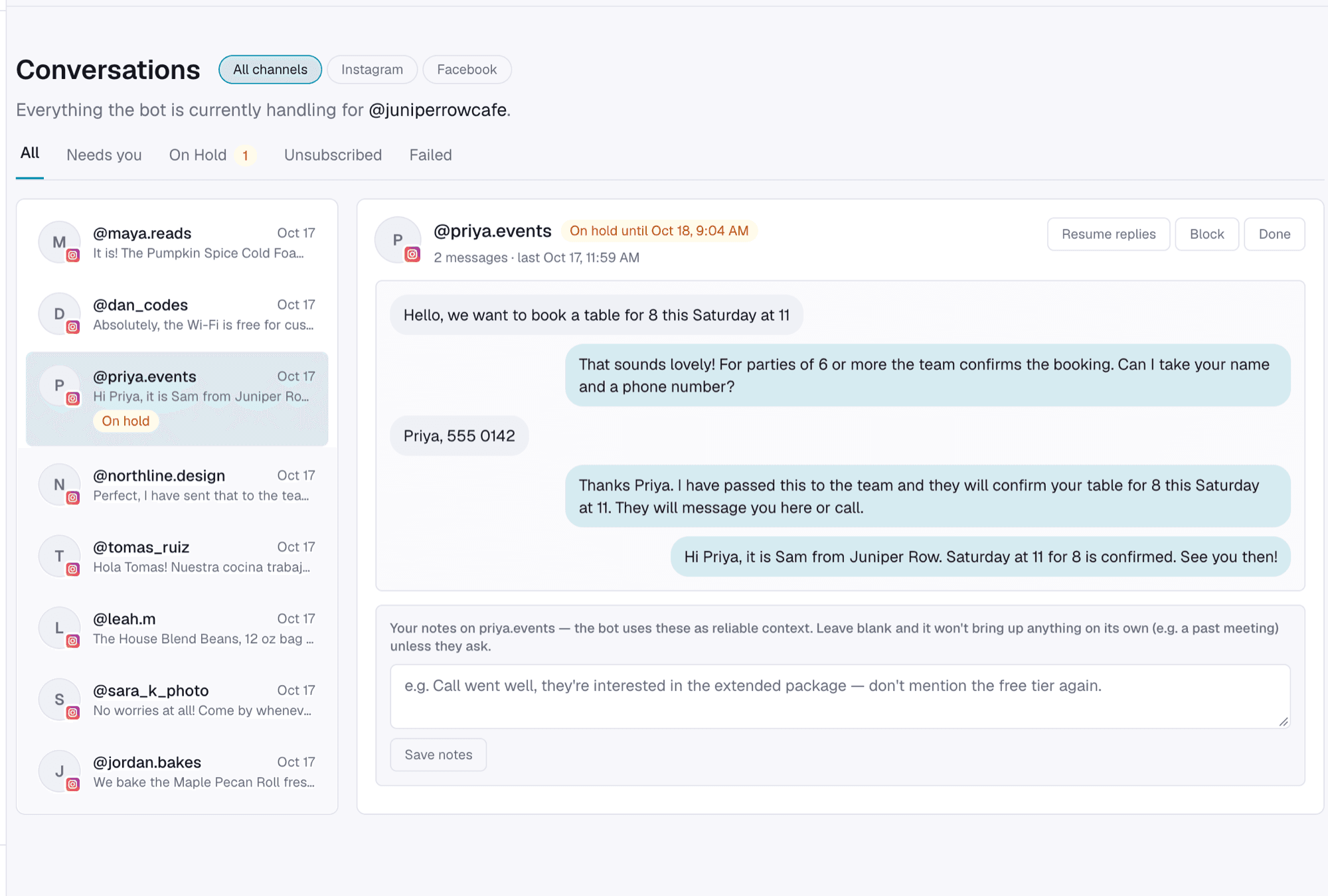
How to set it up
- Step 1
Add your hours, delivery details and menu.
- Step 2
Try it in the dashboard before customers do.
- Step 3
Switch it on for your Instagram.
Good to know
- You need an Instagram Business or Creator account. Instagram only allows automation on those.
- Table requests are booked by time slot on your Google Calendar.
- Tawlki doesn't take payments. Customers order and pay the way they do today.
- The free plan includes 300 chat replies and 300 comment-to-DM messages a month.
Common questions
Can Tawlki answer menu questions on Instagram?
Yes. Add your menu items with prices and Tawlki answers questions about them and can send the menu picture.
Can customers book a table through Instagram?
Yes, by time slot. Customers pick a free time and it's added to your Google Calendar.
Will it take delivery orders?
Tawlki answers delivery questions and hands the chat to your team when an order needs a person. It doesn't take payments.
Does it work for cafes and bakeries?
Yes. It suits any food business that answers the same questions about menu, hours and orders in DMs.
Can it replace my reservation system?
No. Tawlki books table requests by time slot into your Google Calendar. It doesn't connect to other reservation platforms.
What if a guest writes in another language?
Tawlki replies in the language the guest writes in, using the information you saved in yours.
Can I use it to promote a daily special?
Yes. Post the special, ask people to comment a word like SPECIAL, and everyone who comments gets the details in their DMs.
Does it cost anything?
It's free to start: 300 chat replies and 300 comment-to-DM messages a month, with every feature included and no card required.