
Fill your salon calendar from Instagram DMs
Clients message to ask about prices and free slots while you're busy with the person in your chair. Tawlki answers, offers the times you have free and books them, with an invite sent to the client.
Free to start. No card. See the free plan
- can I get a haircut tomorrow afternoon?
- Tomorrow I have 2:00 pm and 4:30 pm. Which works for you?
- 4:30 please
- Great. What email should I send the calendar invite to?
- sam.lee@gmail.com
- Booked: haircut tomorrow at 4:30 pm. The invite is on its way to your Gmail.
- Invitation from Studio Mira: Haircut, tomorrow 4:30 to 5:00 pm
Every unanswered message is an empty chair next week.
You can't reply with colour on your hands. By the time you do, the client has booked the salon that answered first. Tawlki replies in seconds and finishes the booking in the same chat.
What Tawlki does for salons and spas
Bookings while you work
Clients pick a free time in the chat and it lands in your Google Calendar.
Your price list, sent on request
Clients ask what a treatment costs and get the price, or the full price list as a picture.
Turn post comments into bookings
Post a transformation, ask people to comment BOOK, and they start a booking chat.
New clients saved
Every new client who shares a phone number or email is saved to your leads list.
Changes made easy
A client who needs another time messages again and the booking moves.
You can jump in
Reply to any chat yourself and Tawlki steps aside, so regulars always get you.
Clients ask things like
Booking a slot
Offered the times you really have free, confirmed in the chat.
Prices
The price you set, every time, without you stopping mid appointment.
Services
Answers about what you offer, using your own descriptions.
Opening times
Hours and holiday changes answered at any hour.
A Thursday in your DMs
- 8:10 am
"How much for a balayage?" The answer is your price, the way you worded it, with the "from" if you set one.
- 12:30 pm
"Do you do men's cuts?" You're mid-colour with gloves on. Tawlki answers and sends your price list picture.
- 4:45 pm
"Any slot tomorrow after 5?" Tawlki offers the times that are actually free in your Google Calendar. She picks one and the booking is in your calendar with an invite sent to her email.
- 9:20 pm
"Do I need a patch test?" If you wrote your patch test policy down, it's answered. If you didn't, she's asked what she means, and you see the chat in the morning.
- Sunday 10 am
Your price list post gets 60 comments of the word PRICES. Each person gets the list in their DMs, one by one, while you sleep in.
What to write down before you switch it on
Clients ask what a service costs before they ask anything else. The more precisely your price list reads, the fewer questions come back.
- Every service with a price, and "from" prices where the final number depends on hair length or condition
- How long each service takes
- Which stylist or therapist does what
- Deposit and cancellation policy, in two plain sentences
- Patch test, consultation and first visit rules
- A picture of your price list
- Opening hours and the days each person works
- Address, parking and how to find you
What to keep for yourself
- Colour corrections and any job that needs a look at the hair first
- Complaints about a result
- Bridal and group quotes
- Long treatments. Booking slots are 30 minutes, so for a three hour colour you may want to confirm the booking yourself
How to set it up
- Step 1
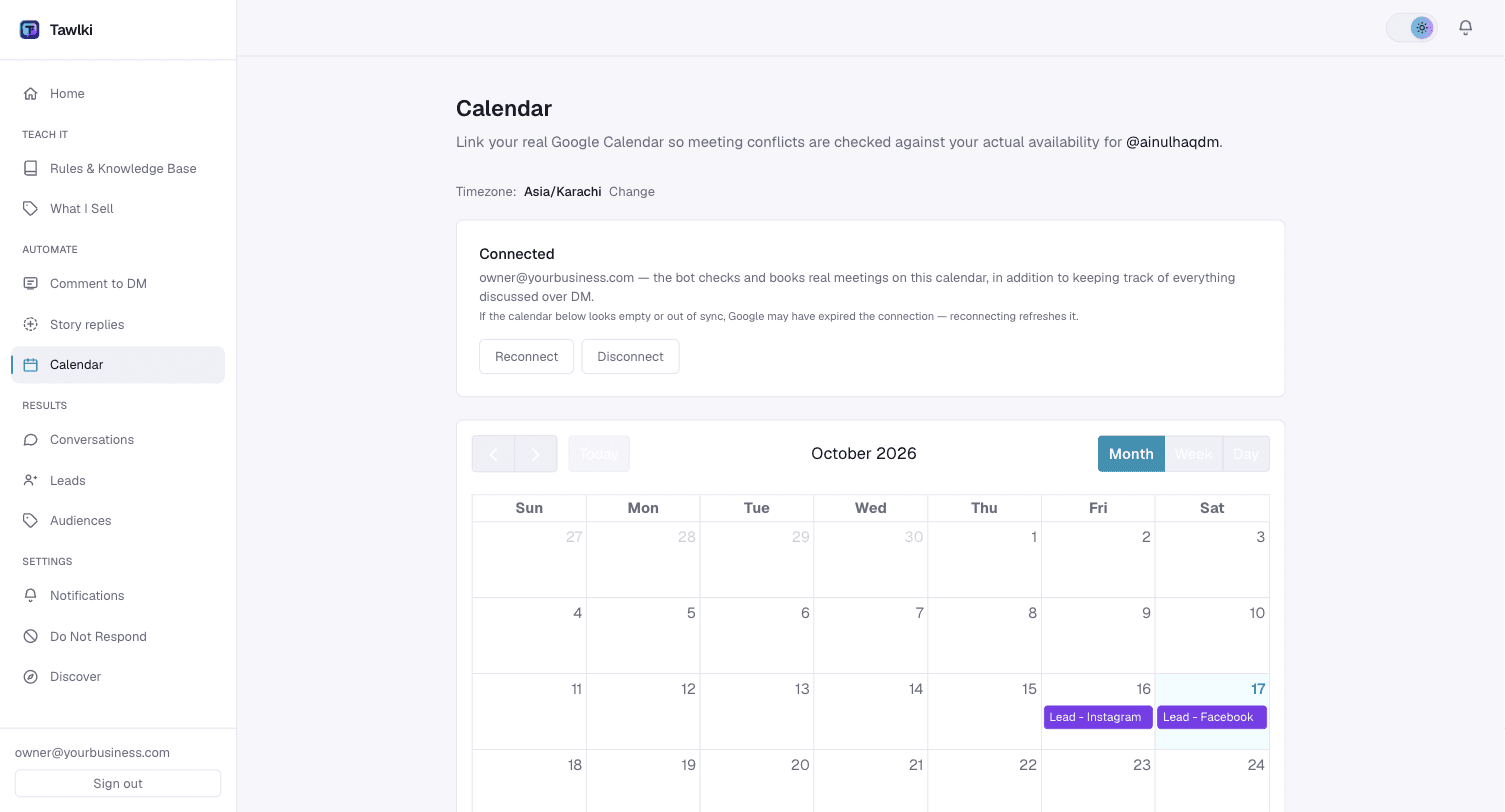
Link your Google Calendar.
- Step 2
Add your services and prices.
- Step 3
Switch Tawlki on for your Instagram.
Good to know
- You need an Instagram Business or Creator account. Instagram only allows automation on those.
- Appointments are 30 minutes long.
- Tawlki asks the client for an email so Google can send the invite.
- The free plan includes 300 chat replies and 300 comment-to-DM messages a month.
Common questions
Can clients book salon appointments on Instagram?
Yes. A client asks to book in your DMs, picks a free time and the booking is added to your Google Calendar.
Can it send my price list?
Yes. Save your price list as a picture and Tawlki sends it when someone asks.
Will it double book me?
No. Clients are only offered times that are free in your calendar.
Does it work for barbers, nail studios and spas?
Yes. Any appointment business that takes bookings by message.
What about services longer than 30 minutes?
Bookings are made in 30 minute slots. For longer services, tell Tawlki in your rules to collect the details and let you confirm, or book it yourself.
Does it cost anything?
It's free to start: 300 chat replies and 300 comment-to-DM messages a month, with every feature included and no card required.